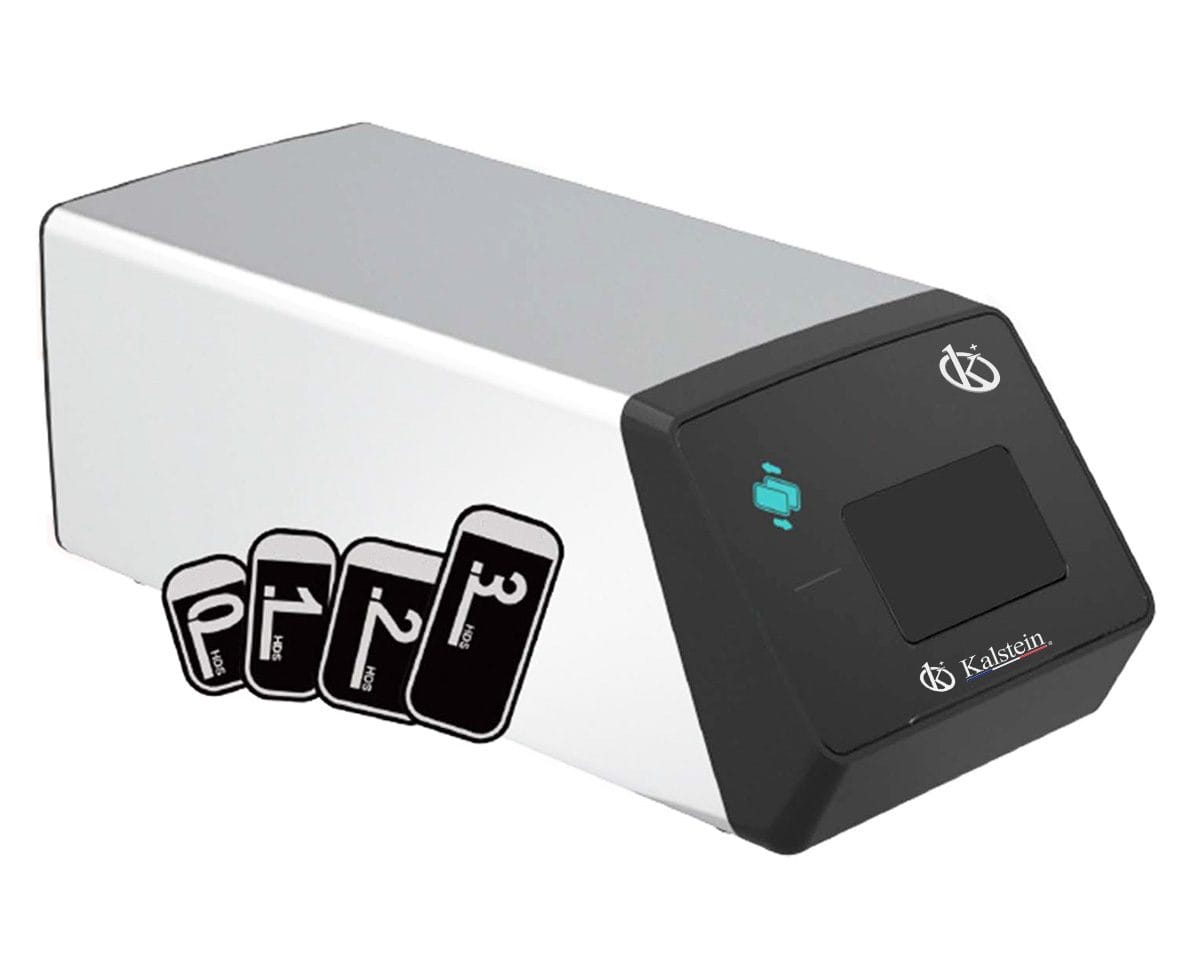
Troubleshooting Common Errors for the YR06197 Digital Intraoral Veterinary X-Ray System
The YR06197 Digital Intraoral Veterinary X-Ray System is a state-of-the-art device that facilitates efficient and effective diagnostics in veterinary practices. However, as with any sophisticated equipment, users may encounter a variety of errors that can interrupt workflow. This guide is specifically designed to help operators troubleshoot common issues by symptom, ensuring that veterinarians can maintain optimal functionality of their YR06197 system.
Understanding the YR06197 Digital Intraoral X-Ray System
The YR06197 model is notable for its compact design, integrated features, and rapid image acquisition capabilities. Weighing just 1.5 kg and offering image capture in as little as 5 seconds, it is an ideal choice for mobile veterinary diagnostics. Understanding the components and operation of this system is essential for diagnosing issues effectively.
Technical Specifications of the YR06197
| Specification | Details |
|---|---|
| Model | YR06197 |
| Tube Voltage | 60KV |
| Exposure Time | 0.1~2s |
| Tube Focus | 0.3mm × 0.3mm |
| Battery | DC14.8V 6400mAh |
| Charger Input Voltage | AC100V-240V:10% |
| Ambient Temperature | 5-40℃ |
| Net Weight | 2.5kg |
| Gross Weight | 4.8kg |
| Frequency | 30KHz |
Common Symptoms and Troubleshooting Steps
Identifying the right approach to troubleshooting can drastically reduce downtime. Below, we present a breakdown of common symptoms, potential causes, and solutions.
Equipment Does Not Power On
This issue can stem from several causes, including power supply issues or internal faults. Diagnose as follows:
- Check Power Supply: Ensure that the charger is properly plugged in and that the outlet is functional.
- Inspect Battery: Verify that the battery is charged. If the battery is old, consider replacement.
- Internal Fault: If the equipment still does not power on, consult the manufacturer for repair options.
Error Code E-03
This code typically relates to a malfunction in the exposure settings. Here’s what to do:
- Review Exposure Time: Ensure that the exposure time is set within acceptable ranges (0.1-2s).
- Check Tube Voltage: Confirm the tube voltage settings are accurate, as incorrect settings can trigger this error.
- Restart the Unit: A simple reboot can sometimes clear temporary glitches.
Inconsistent Readings
Inconsistent imaging results can lead to incorrect diagnoses. Follow these steps to troubleshoot:
- Calibration Check: Ensure the unit is properly calibrated and that calibration settings have not been altered.
- Examine Image Plates: Make sure that the image plates are not damaged or expired.
- Environmental Factors: Check for any external factors, such as temperature or humidity, that may affect performance.
Symptom-Cause-Solution Table
| Symptom | Possible Cause | Solution |
|---|---|---|
| Equipment Does Not Power On | Power Supply Issues | Check battery and charger |
| Error Code E-03 | Exposure settings malfunction | Review settings and restart the unit |
| Inconsistent Readings | Calibration issues | Recalibrate the unit |
Frequently Asked Questions
What should I do if the YR06197 doesn't turn on at all?
If the YR06197 does not power on, first check the power supply and battery condition. Make sure the charger is properly connected and the outlet is functional. You may also want to replace the battery if it is old.
How can I interpret error codes on the YR06197?
Error codes such as E-03 indicate specific malfunctions. Refer to the user manual or troubleshooting guide for an explanation of each error code and recommended actions to resolve them.
What is the best way to maintain the YR06197 system?
Regular maintenance includes keeping the device clean, checking calibration frequently, and ensuring that all software is updated to the latest version. Following the manufacturer’s maintenance schedule will help prolong the system’s lifespan.
Can environmental conditions affect the performance of the YR06197?
Yes, ambient temperature, humidity, and electrical stability are crucial for optimal performance. Ensure that the device operates within the specified parameters outlined in the user manual.
What type of image plates are compatible with the YR06197?
The YR06197 supports various sizes of image plates (0, 1, 2, and 3 sizes). Always use compatible plates to avoid issues with imaging quality.
If you are looking for a fusion of innovation and quality, you have come to the right place. At Kalstein, we offer you the luxury of exploring our exclusive catalog of laboratory equipment. We manufacture every device to the highest standards of excellence. Our intuitive and seamless online purchasing channels are designed for your convenience, securing the most competitive prices. Hesitate no longer — we bring science to life, it is time to become part of our community.