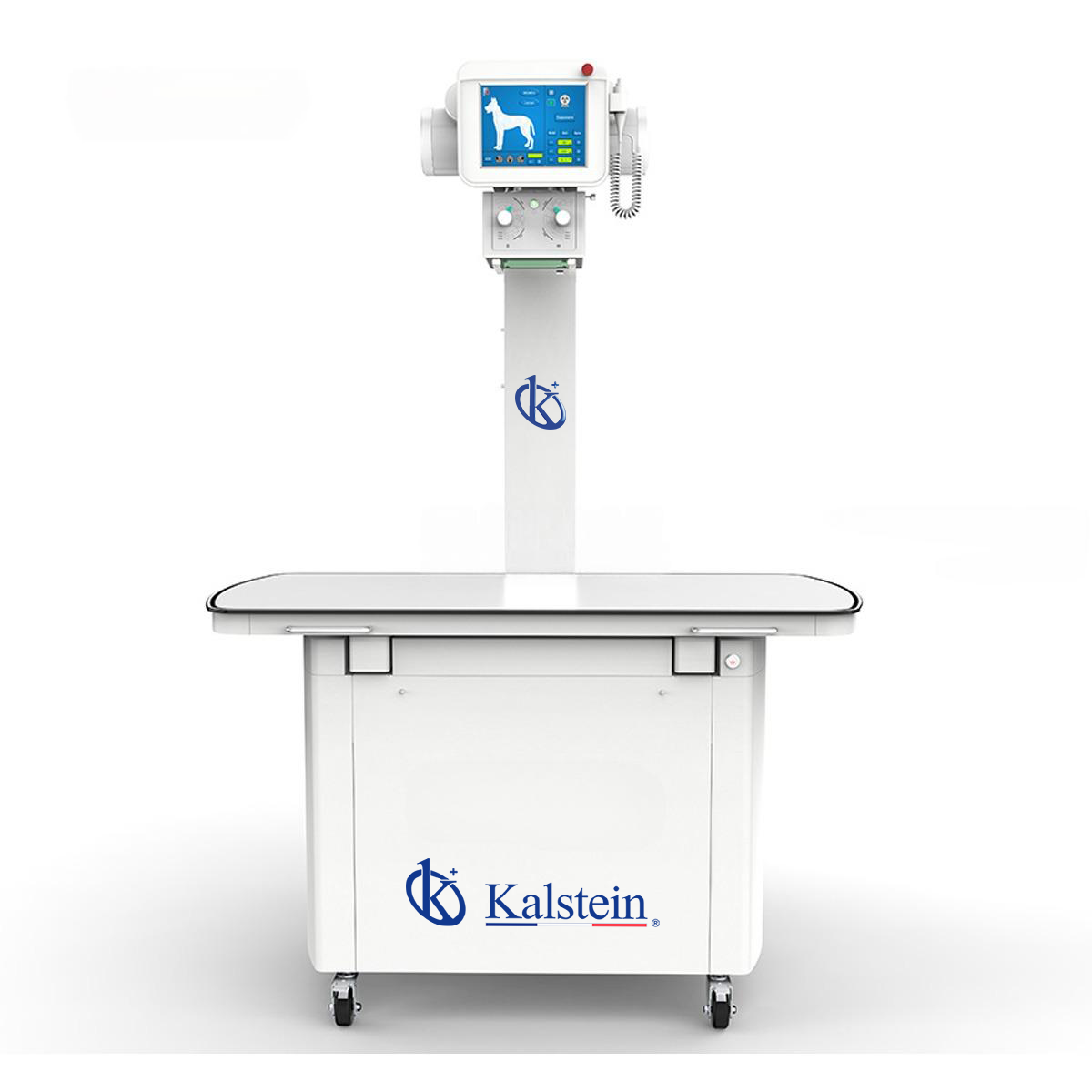
Troubleshooting the YR06163 Digital Stationary Veterinary X-rays by Symptom
The YR06163 Digital Stationary Veterinary X-ray system is a vital tool in veterinary practices, offering advanced imaging capabilities. However, like any sophisticated equipment, it may encounter issues during operation. This article aims to assist operators in identifying common problems based on symptoms, detailing probable causes, diagnostic steps, and concrete solutions.
Technical Specifications of the YR06163
| Specification | Detail |
|---|---|
| Model | YR06163 |
| Maximum Output Power | 20 kW |
| Range of Tube Current | 32~320 mA |
| Tube Voltage Range | 40 kV~120 kV |
| Range of Exposure Time | 10 ms~5000 ms |
| mAs Range | 0.32 mAs~320 mAs |
| Input Voltage Range | AC 220V±22V |
| Communication Interface | RS-232 |
| Max. Tube Voltage | 120 kV |
| Small Focus | 1.0 mm |
| Large Focus | 2.0 mm |
Common Symptoms and Solutions
Operators may encounter various symptoms while using the YR06163. Understanding these symptoms is crucial for efficient troubleshooting.
Equipment Does Not Power On
When the YR06163 does not power on, consider the following causes:
- Power Supply Issues: Check the power cable and ensure it is securely connected to the outlet.
- Electrical Circuit Problems: Inspect the power source and verify that the circuit breaker has not tripped.
- Internal Component Failure: If power supply issues are ruled out, internal components may require examination by a technician.
Error Code E-03
The appearance of Error Code E-03 typically indicates a malfunction in the exposure settings. To troubleshoot this issue:
- Review Exposure Settings: Check if the exposure time, kV, and mA settings are configured correctly.
- Restart the Device: Perform a power cycle on the YR06163 and observe if the error persists.
- Consult the Manual: Refer to the user manual for specific guidance on Error Code E-03 resolutions.
Inconsistent Readings
If readings from the YR06163 appear inconsistent, consider these possible causes:
- Calibration Needs: The device may require calibration. Perform a calibration procedure as specified in the manual.
- Environmental Interference: Ensure that external factors such as electromagnetic interference are controlled.
- Faulty Sensors: Investigate the possibility of malfunctioning sensors, which may need replacement.
Symptom-Cause-Solution Matrix
| Symptom | Probable Cause | Solution |
|---|---|---|
| Device does not power on | Power supply issues | Check connections, reset circuit breaker |
| Error Code E-03 | Exposure settings malfunction | Verify settings, restart device |
| Inconsistent readings | Calibration needs | Calibrate device, check environment |
| Image quality issues | Insufficient exposure | Adjust exposure parameters |
| Overheating warning | Ventilation problems | Check fan operation, ensure proper airflow |
Frequently Asked Questions
What should I do if the YR06163 displays an error code?
If the YR06163 displays an error code, refer to the user manual for the specific error definitions and follow the troubleshooting steps outlined for that error.
How do I calibrate the YR06163 Digital Stationary Veterinary X-ray device?
Calibration of the YR06163 can typically be performed using the calibration function in the user interface. Follow the instructions in the manual for detailed steps.
What are the recommended maintenance practices for the YR06163?
Regular maintenance includes routine calibration, cleaning of the X-ray tube, and inspections of all electrical connections to ensure optimal performance.
Can I replace parts of the YR06163 myself?
While some minor components may be replaced without professional assistance, it is advisable to consult with a technician for critical internal parts to avoid voiding the warranty.
How do I contact support for the YR06163?
Support for the YR06163 can be reached through the official customer service channels provided in the user manual, ensuring you have the model information ready for assistance.
If you are looking for a fusion of innovation and quality, you have come to the right place. At Kalstein, we offer you the luxury of exploring our exclusive catalog of laboratory equipment. We manufacture every device to the highest standards of excellence. Our intuitive and seamless online purchasing channels are designed for your convenience, securing the most competitive prices. Hesitate no longer — we bring science to life, it is time to become part of our community.